



There’s something in the AIR.
Integra AIR is Clyde’s next generation of radio broadcast software.
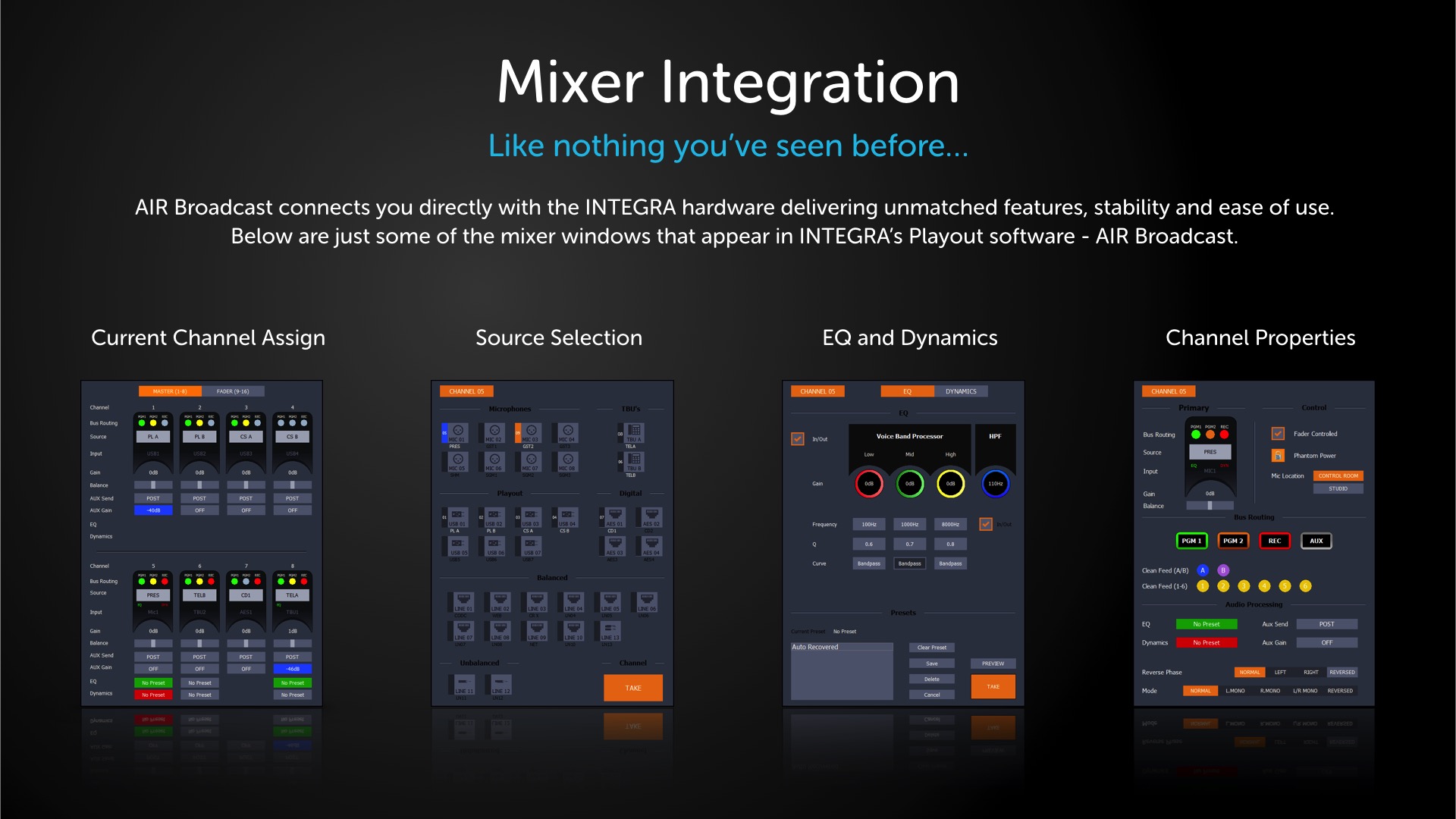
Completely re-written, AIR delivers unmatched levels of mixer integration.
What’s New?
Integra features lots of new and improved features, here are just some of the highlights.

New LAYOUT
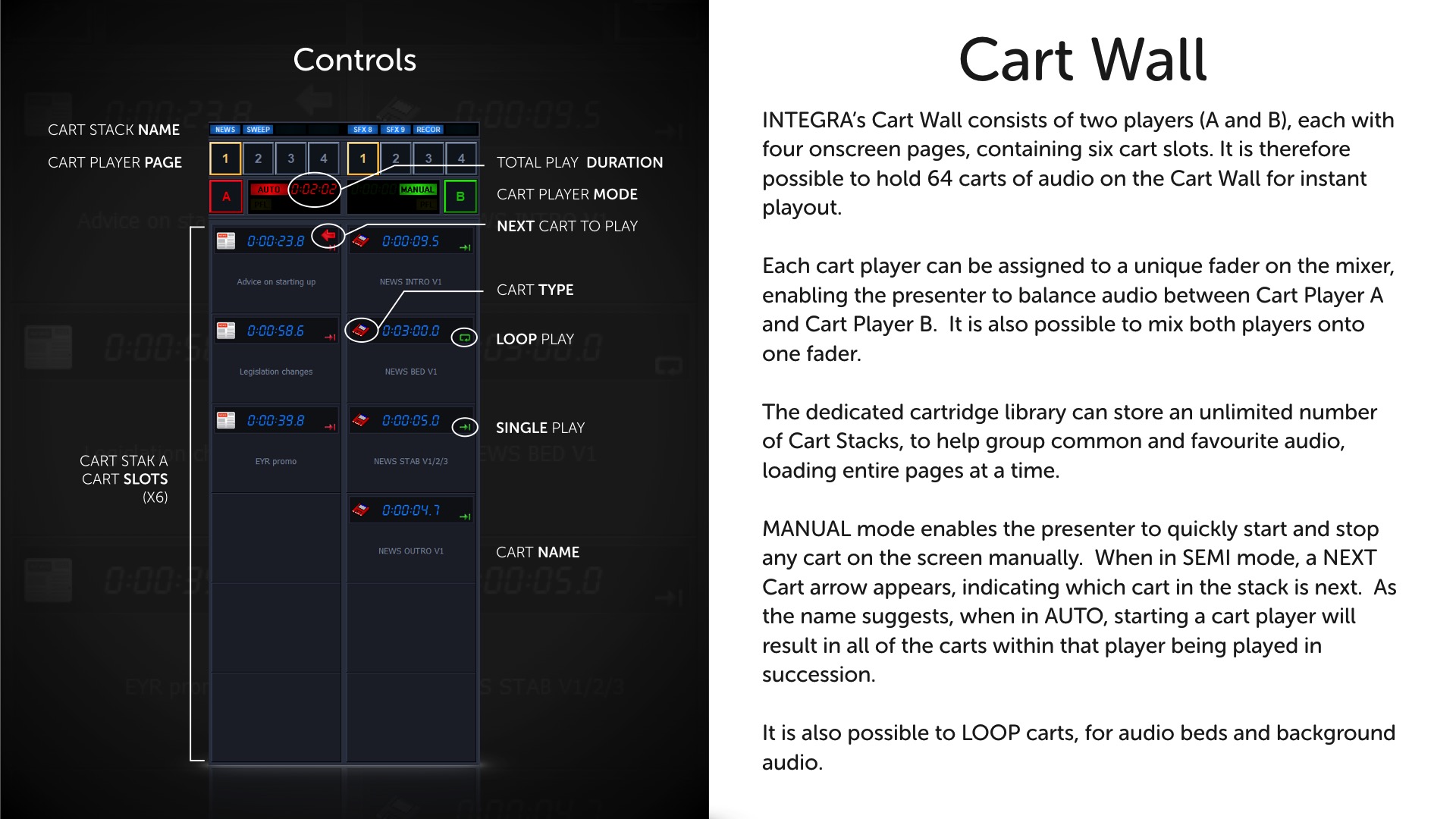
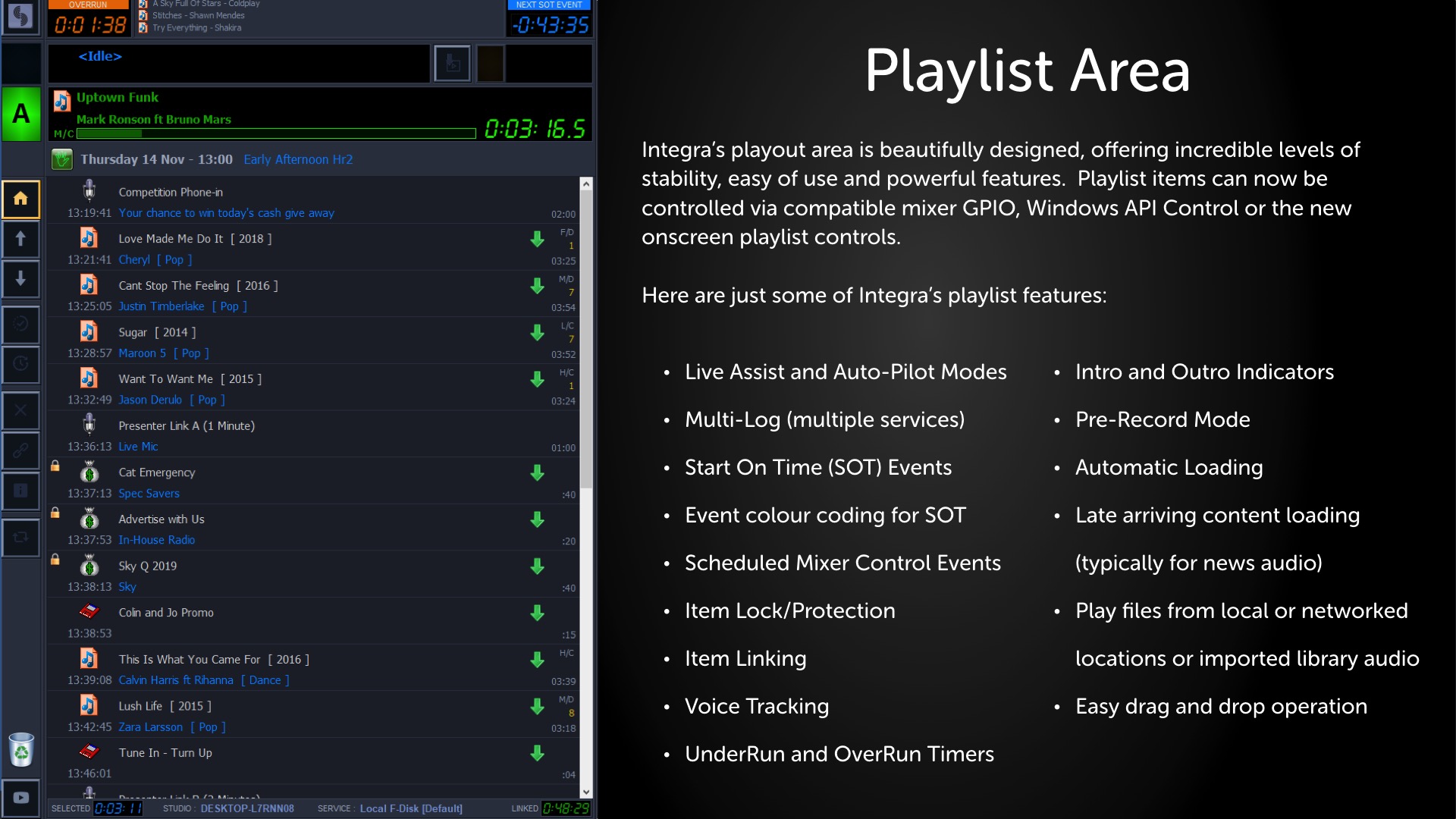
AIR Broadcast’s software will appear familiar, yet is greatly improved. The screen layout is now divided into three very distinct areas locating the playlist, cart wall and omni-zone.
AIR delivers the best Live Assist environment for a presenter displaying everything you need, where you need it… all of the time.

New WAVE EDITOR
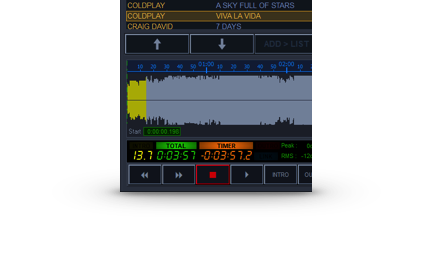
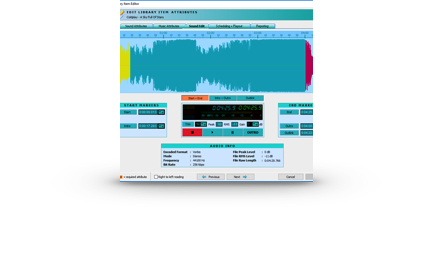
The new Wave Editor is built right into AIR Broadcast’s new Omni-Zone. Simply preview a library or playlist item and see your audio.
Non-destructive editing also allows presenters to view and make changes on-the-fly. Scrub, edit and update whilst on air.

New VOICE TRACKING
AIR Voice Tracking now includes the ability to import both mp3 and wav audio files, in addition to recording microphone audio .
Voice Tracking also features a cart wall, so you can access and record in real-time library audio content within a voice track.

New SMART HIGHLIGHTS
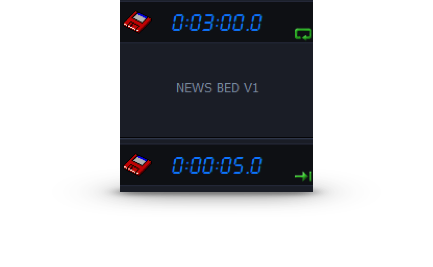
AIR’s new playlist events highlighting helps your presenters to know exactly what time events are supposed to be played..
Immediately see whether or not there are enough events in the playlist for the hour, what events will over-run the hour and those that have been over-scheduled.
New Start On Time event colours will help you to never miss-the-news again and when in automation, playlist events will play at exactly the right time, or can be set a ‘grace’ period of time to start early or late.
New QUICK RECORD
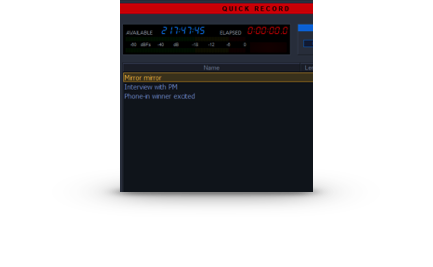
Simplicity and power – combined. Instantly record a choice of busses at the touch of a button. AIR also edits your recordings, normalising levels and with the ability to trim start/end points.
In a league of its own, when combined with Integra mixers special quick record options can temporarily change the bus routing of all mixer channels, keeping your playout sources on air, recording just your microphone and phone sources. All with one touch!

New MULTI-LOG
No longer tied to a single database, Multi-Log enables your station to operate multiple services, each one password protected and with varying levels of broadcast permissions.
Create separately managed services for overnight or enable trainees full access to a training log that can never be aired.
Wave Preview
Don’t just hear your audio – see it!
- Colour-coded wave
- Non-destructive editing
- Preview library and playlist audio
- Cue controls, scrub and trim
- Intelligent monitor speaker switching

Radio Broadcast Software.
Integrated. Like nothing you’ve seen before.
With more power comes great compatibility. Fully integrated with the integra hardware,
Air Broadcast enables a presenter to achieve otherwise impossible or complex operations at just the touch of a button.
Flawlessly record links, interviews
and phone calls – off air.
TELREC starts a new recording whilst simultaneously re-assigning the bus routing of all mixer channels. Playlist channels stay on air, enabling you to record all other sources. Stop the recording and all the busses return to how they were.


Intelligent headphone monitoring.
Integra features both HOST and GUEST headphone feeds. Assign any guest remote position to either feed, also delivering two isolated talkback feeds.
Integra takes headphone monitoring one step further.
When you put Air Broadcast into Auto Pilot mode, a headphone feed selector appears on the screen and can intelligently switch the HOST and GUEST headphone feeds to monitor the record bus.

AIR Plan.
Scheduling for stations of all sizes.
No more manual loading of playlists. Plan your shows in advance using AIR Plan and they will automatically push to AIR Broadcast for playout.
AIR Broadcast auto-refreshes at the top of every hour so even late arriving content such as news will play.
AIR Plan takes scheduling one step further.
Don’t just schedule audio, schedule mixer events too!


EVENTS
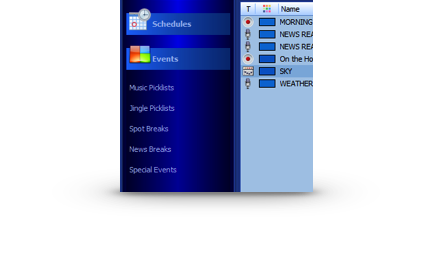
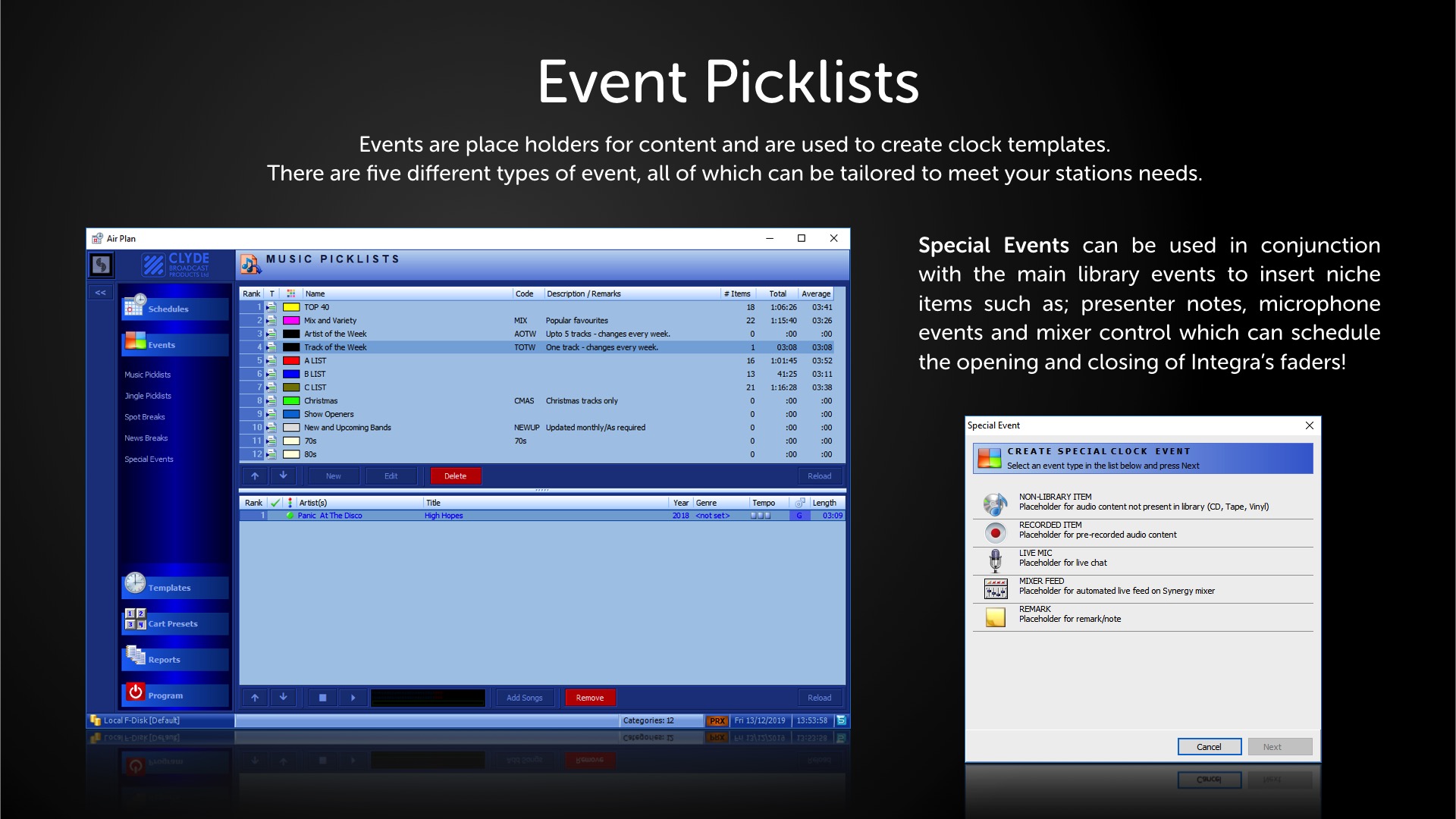
AIR Plan features a wide variety of event types that you can create to help plan your shows. From music, news and jingles to microphone and mixer events.
Quickly and easily organise your events into a running order for a show.
When the show is scheduled, each event is automatically converted into suitable audio content.

CLOCK TEMPLATES
Planning your hours can make the difference between a successful station and one that just confuses or bores your listeners.
AIR Plan is designed to speed up the task of scheduling. It lets you create an unlimited number of clock templates with advanced rotation options that can be assigned to Clock Grids.

ADVANCED ROTATION
New Music Picklists allow songs to be rested after use, ensuring they are not played again until all other options have been used.
Staying fresh, each pick list will auto-shuffle once used and can adhere to your stations daypart and separation rules.
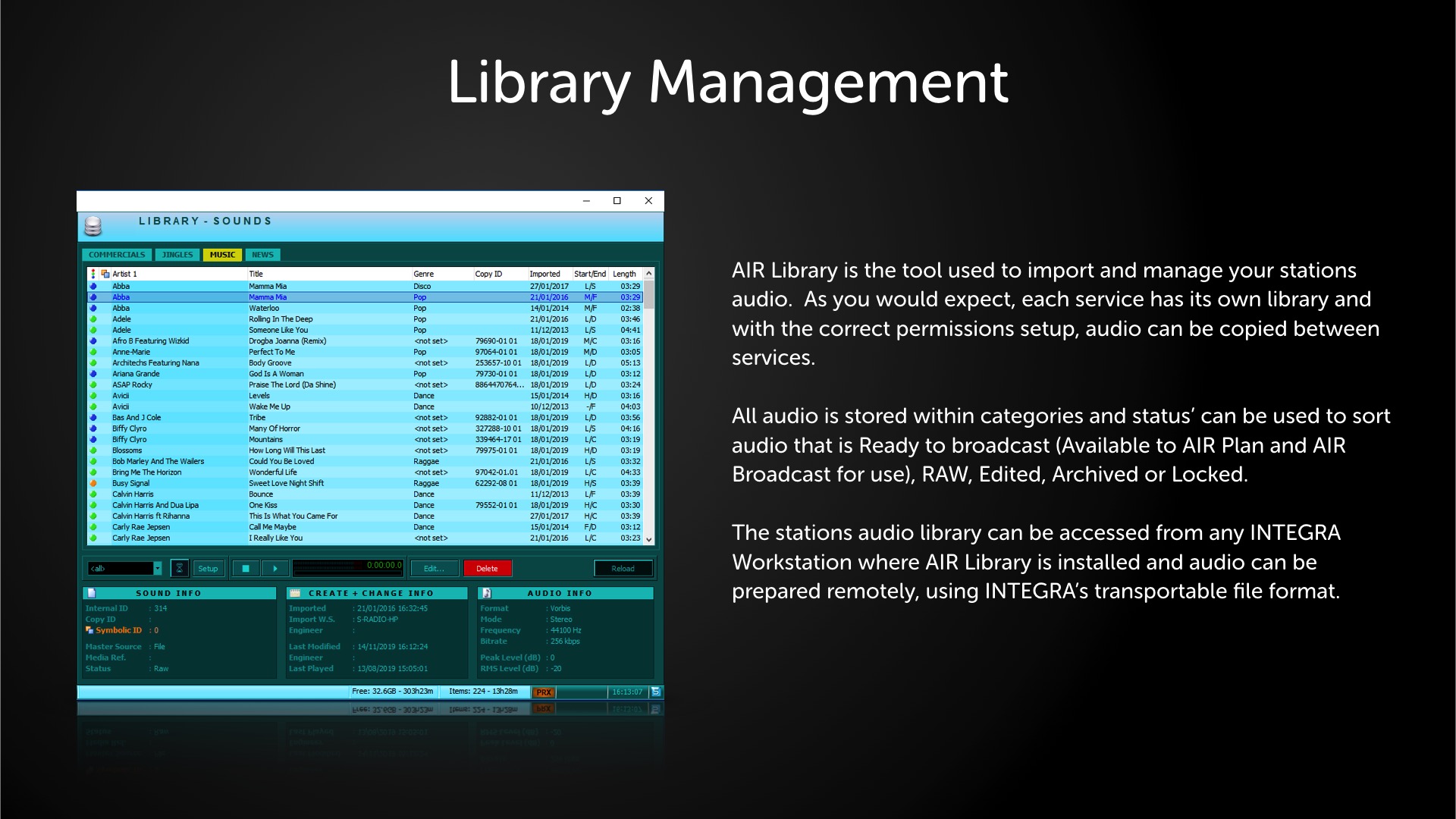
New search filters reject any duplicates and make managing your music a breeze.

REPORTS
AIR Plan keeps a log of everything that is broadcast.
Playout Logs display all aired items showing:
- Library Category
- Time
- Date
- Duration
- Mixer Playout Channel
- Studio PC
- Audio ID (used by 3rd party traffic systems)
- Description
- Failed or corrupt files
Separate Traffic and Music Reports are also generated for export and reconciliation with 3rd party traffic scheduling software.

IMPORT & EXPORT
Following customer feedback, Air Plan now has more integrated commercial log integration for use with 3rd party planning packages to schedule commercials and import traffic logs directly into the schedule for a specific day.
AIR Plan now supports UTF8, CSV, HTML, XML and JSON file formats and can now export the following lists and templates:
- Pick Lists
- Day Lists
- Clock Grids
- Playout Logs
- Traffic Reports
- Music Reports
MIXER EVENTS
Schedule remote control of specified faders on the mixer and let AIR Broadcast’s Auto-Pilot take care of the rest.
When a mixer event starts, the nominated fader is turned on and the volume set to maximum regardless of the fader’s physical position. This ensures the event will always be played, even if the channel had been accidentally left with the fader closed.
In addition to live presented news or pre-recorded news audio files, News Break Events also feature a Mixer Feed option.
Never miss the news again!
Gallery
AIR Broadcast




AIR Plan


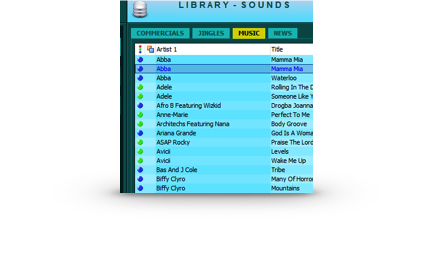
AIR Library
Remote Diagnostics









Discuss your radio software needs with us
Speak to our team of radio software specialists.
Send us a message from the button below or why not chat with us?
